
Kitchen and Bar
Kitchen and Bar are preparation screens. Each one shows only the lines that belong to that station, so the kitchen does not see drinks and the bar does not see food.
What each station sees
Section titled “What each station sees”- Kitchen receives entries, main courses and desserts.
- Bar receives drinks.
The split comes from the item type. If a line appears on the wrong screen, the item type is wrong; correct it in the item catalog.
Mark lines ready
Section titled “Mark lines ready”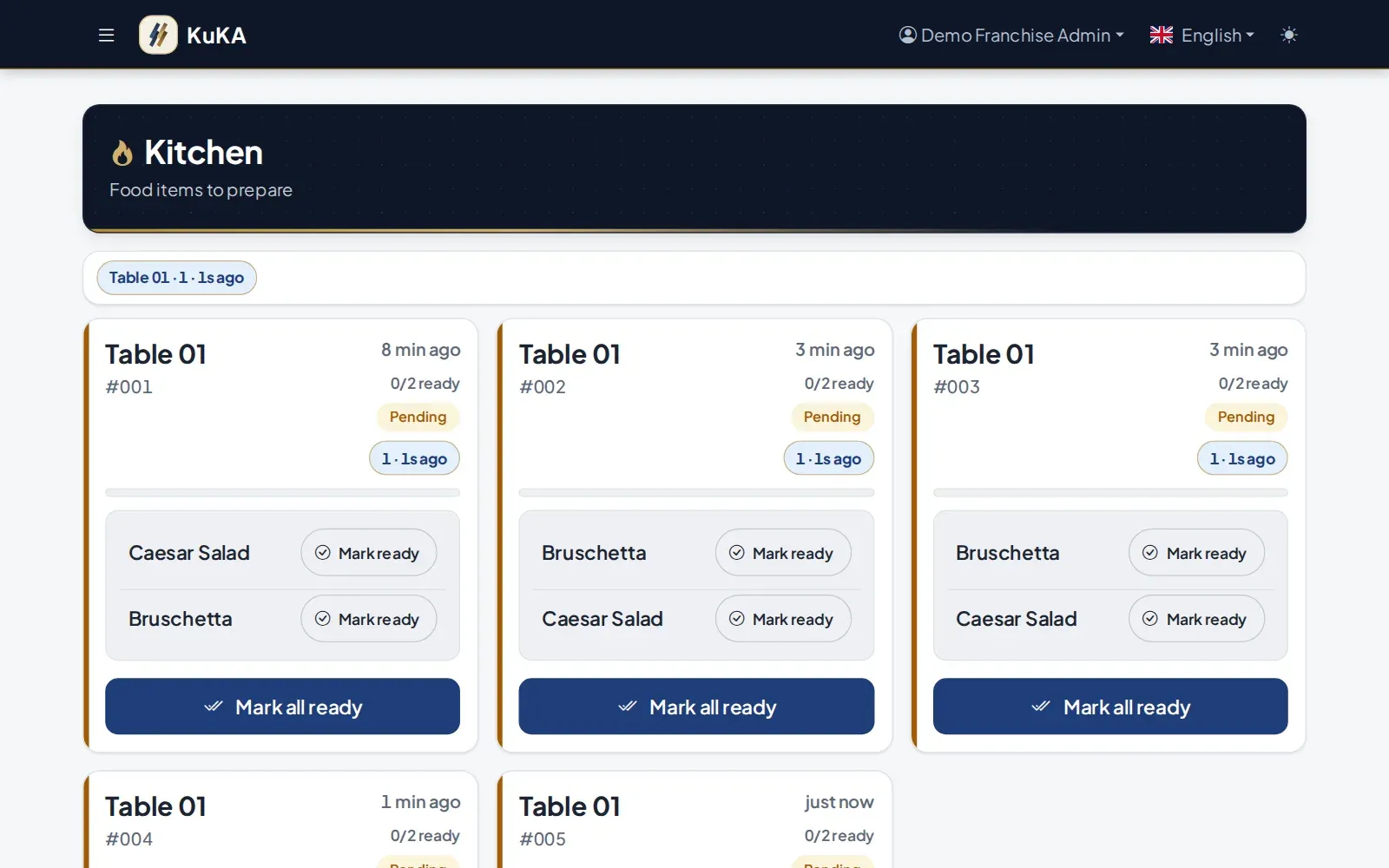
Each order card shows the table, the order number, the age and the station lines. For each line, select Mark ready when it is prepared. Use Mark all ready to mark every remaining line in that card at once.
- Open Kitchen or Bar on the station device.
- Pick the oldest card, or the card the pass calls out.
- Prepare the lines and select Mark ready on each one.
- Select Mark all ready when the whole card is finished.
When every non-cancelled line in the order is ready, the order becomes Ready. Room sees the change straight away and can mark the order delivered when it reaches the table.
A card disappears
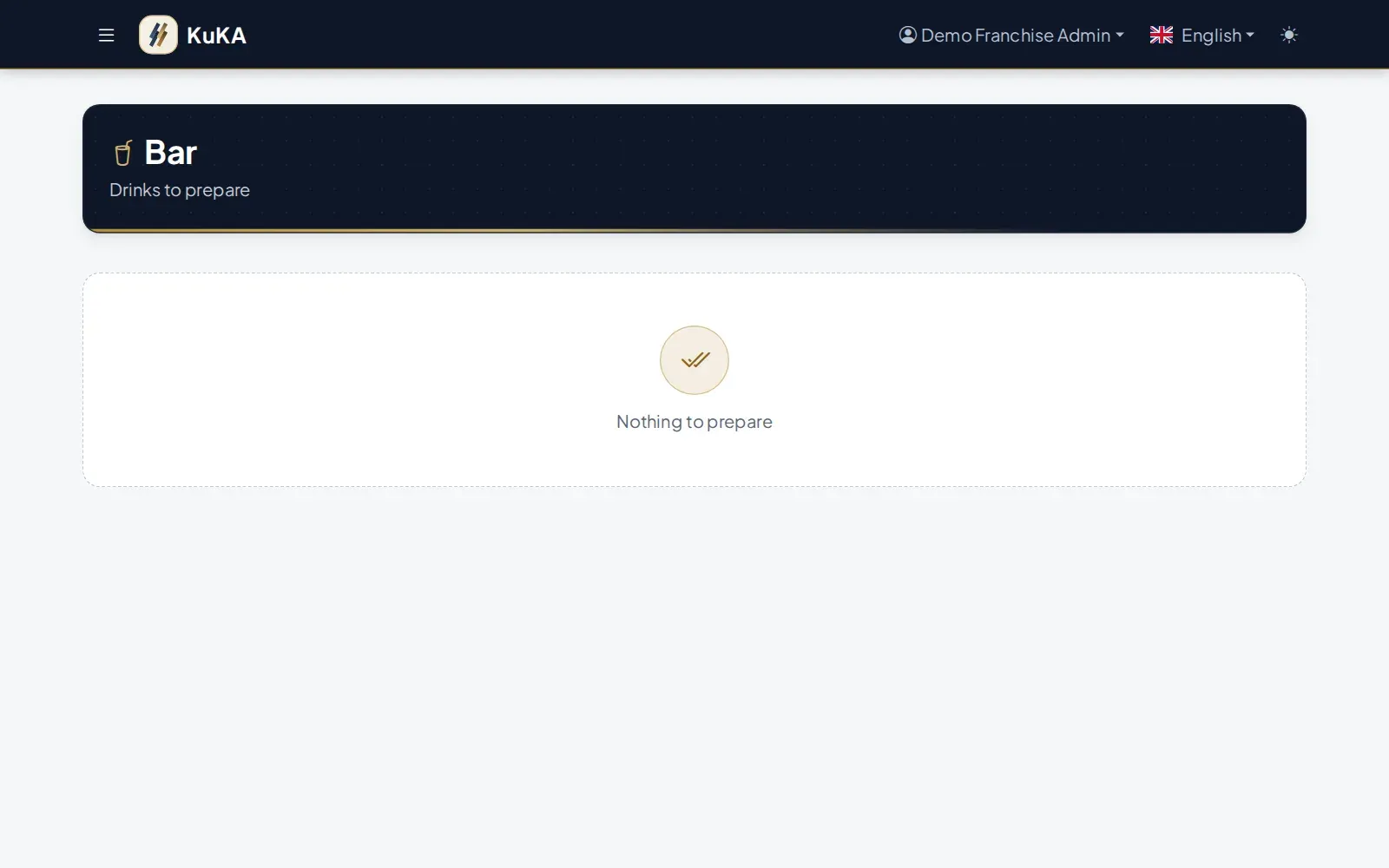
Section titled “A card disappears”A card leaves the station when its lines are ready, cancelled or delivered. If a card disappears before you prepared it, check Room: someone may have cancelled the order. When the connection returns after a drop, the station reloads its list, so the screen always shows the server’s current state.