
Sign in
If you were invited to a franchise, sign in with your email address and the password you chose when you accepted the invitation. If you started your own franchise, use the account you created during sign-up.
Sign in
Section titled “Sign in”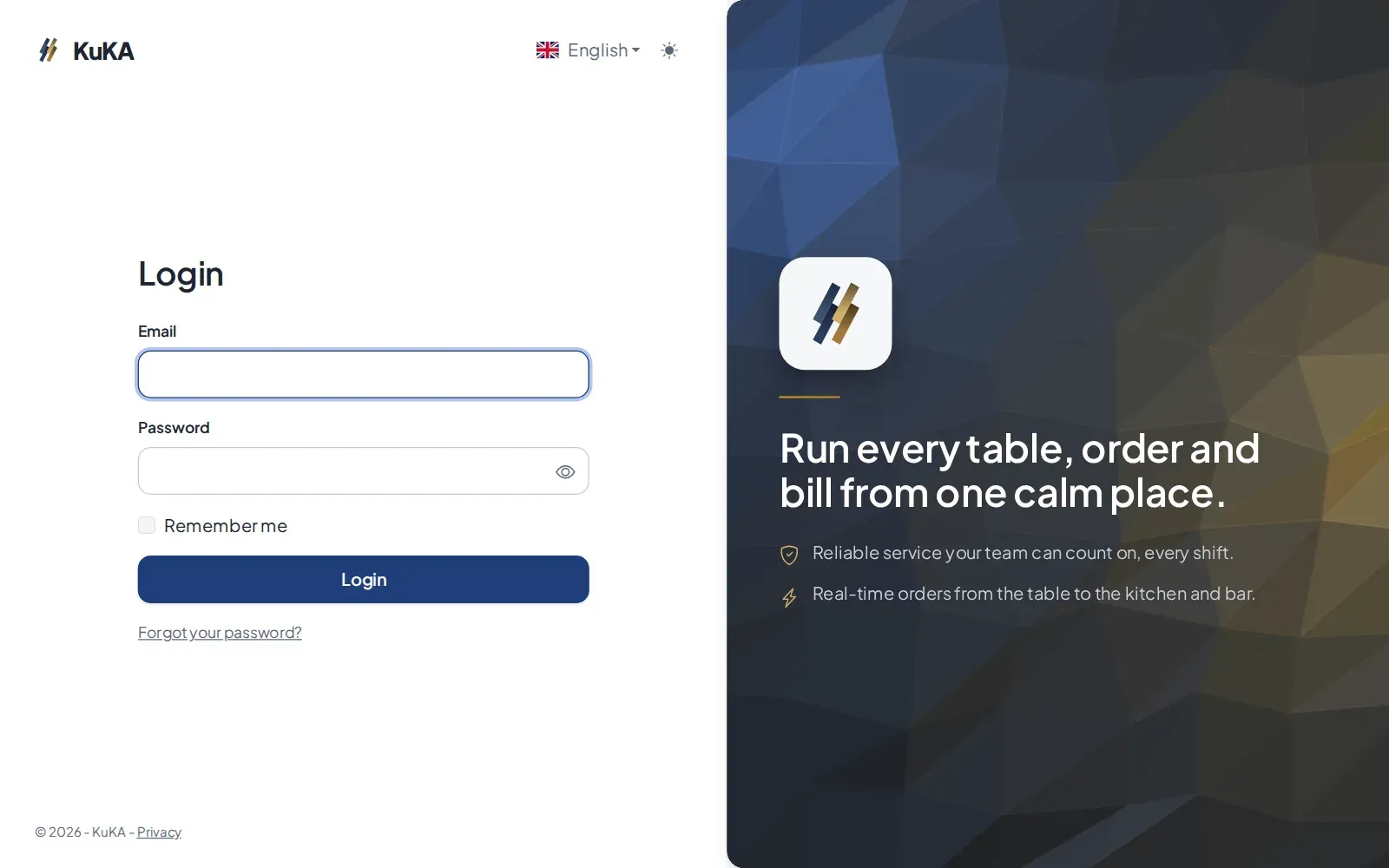
Enter your Email and Password, then select Login. Select Remember me before you sign in if you want the browser to keep you signed in after it closes.
Without Remember me, closing the browser ends the sign-in. With it, the browser keeps your session for the next visit. In both cases the session lasts a maximum of 8 hours and is renewed while you keep working, so a long shift does not sign you out in the middle of service.
If you cannot sign in
Section titled “If you cannot sign in”KuKA gives the same message for an unknown email and a wrong password: Invalid email or password. Check the address and the password, then try again.
After five failed attempts in a row, the account is locked for 15 minutes. Waiting is enough; the lock ends by itself and you can try again. A disabled account is refused even with the correct password. If that happens, ask your franchise admin to check the account.
Sign out
Section titled “Sign out”Open the account menu and select Logout. You return to the signed-out page and the session ends on that device. On a shared phone or tablet, always log out before you put it down.