
Sign up
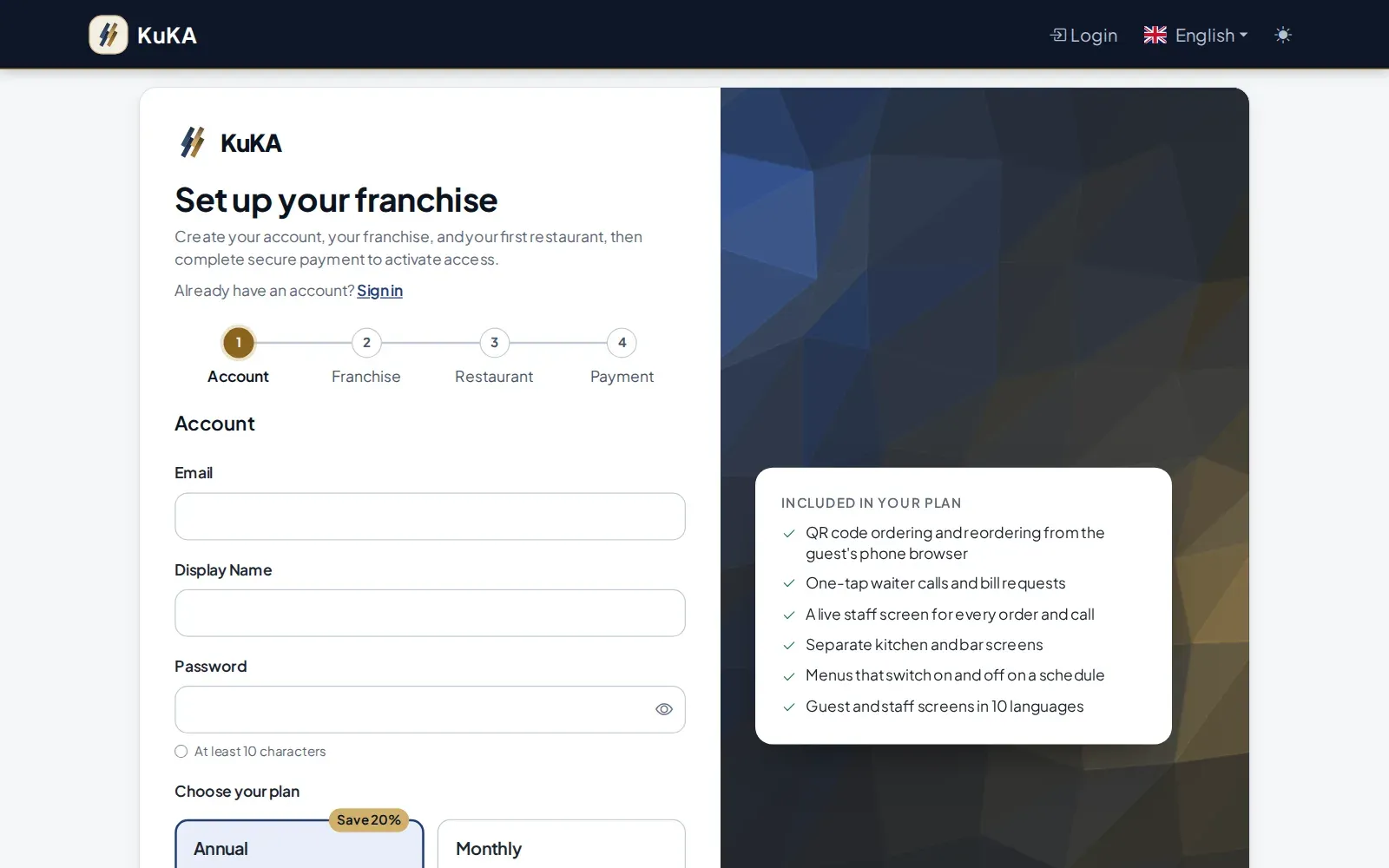
Sign-up creates your franchise, your first restaurant and your subscription. It takes four steps, and you pay through Stripe Checkout at the end.
Public sign-up is for businesses in Portugal. You need your Portuguese NIF and your business address before you start.
Before you start
Section titled “Before you start”Have these ready:
- The email address that will own the franchise account.
- A password of at least 10 characters for that account.
- Your franchise name.
- Your Portuguese NIF and business address, including the postal code.
- The name of your first restaurant and its time zone.
The four steps
Section titled “The four steps”- Account. Enter your email, display name and password, and accept the Partner Terms of Service.
- Franchise. Enter the franchise name, your NIF, Street address, City and Postal code. KuKA checks the NIF format and uses the postal code to choose the VAT region.
- First restaurant. Enter the restaurant name and its Time Zone. Choose the zone where the restaurant actually operates, because menus and reports use it.
- Payment. Choose the annual or monthly plan and select Continue to payment. Stripe Checkout opens for the first payment.
Choose the plan
Section titled “Choose the plan”The annual plan is EUR 468 plus VAT per year, shown as EUR 39 per month, with a 12-month commitment. The monthly plan is EUR 49 plus VAT per month and can be cancelled at any time. Every feature is included in both plans. Prices are in euros and VAT is added at the rate for your postal code.
After the payment
Section titled “After the payment”Stripe returns you to the Complete page, which tells you exactly where the payment stands:
- Payment pending means Stripe has not confirmed the payment yet. Wait a moment or select Check again.
- Confirming your payment means Stripe has the payment and KuKA is waiting for confirmation. Select Check again after a moment.
- Checkout cancelled means no payment was taken. You can start a new attempt.
- Checkout expired means the checkout session timed out. Start a new attempt to activate the franchise.
- Active means the payment is confirmed and the franchise is ready to use.
We also send a verification email. Open the link in it to confirm your address. If the email does not arrive, check your spam folder or contact support.