
Try the demo
The KuKA demo gives you a complete venue for 30 days. You get sample menus, tables and orders, so you can try the guest experience and the staff screens before you commit to a plan.
Start your demo
Section titled “Start your demo”- Open the demo form from the KuKA website.
- Enter Your name, Email and Venue name, accept the Terms of Service and select Start demo.
- Check your inbox for the verification email and open the link.
- Choose a password of at least 10 characters and select Set password and start demo.
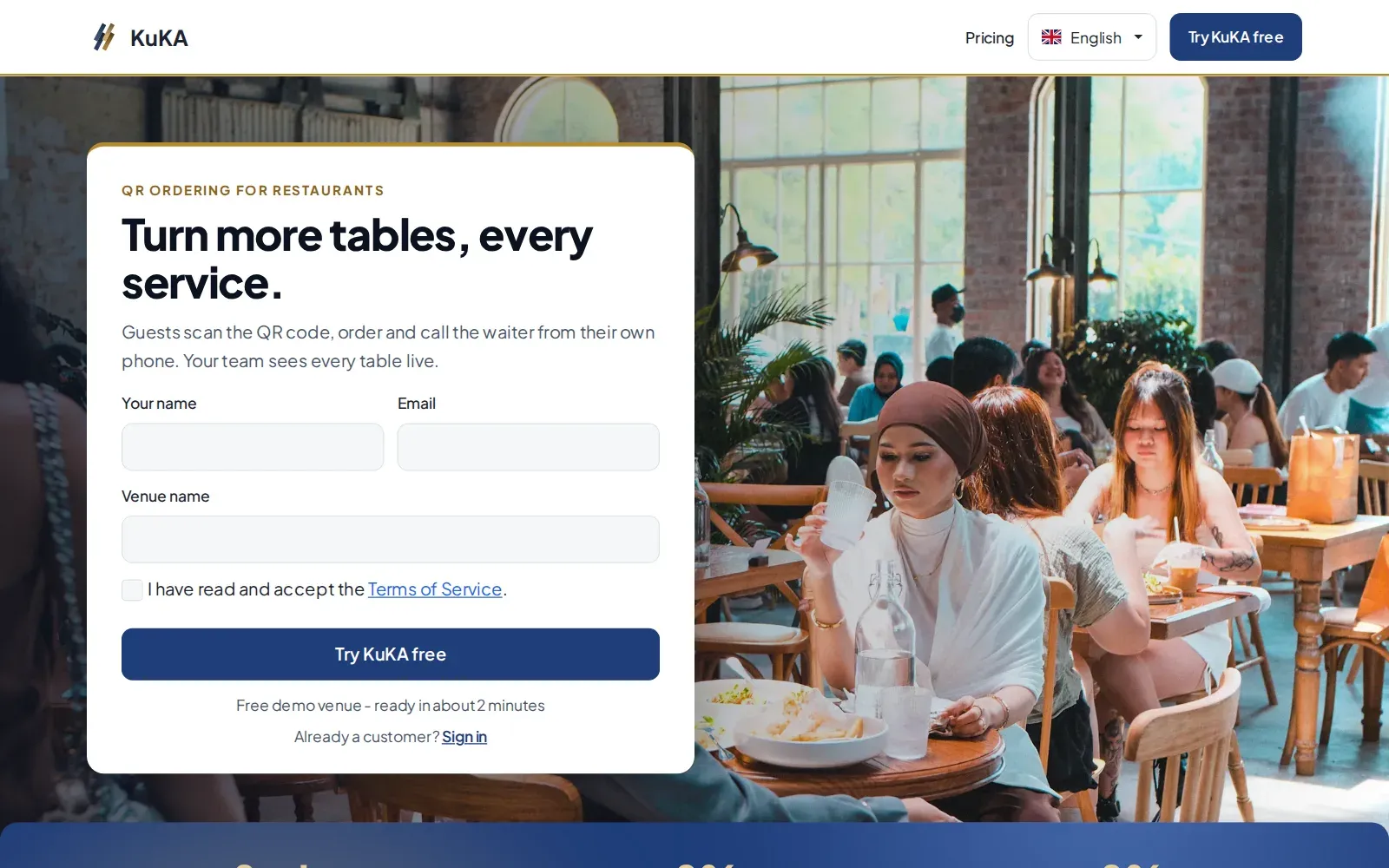
Your demo venue is created as soon as the verification link is used. KuKA signs you in and opens the demo with sample data ready to try. Keep the email address and password, because they are your sign-in for the demo.
The guided tour
Section titled “The guided tour”The first time you open the demo, a guided tour starts automatically. It has 20 steps in two chapters. The first chapter walks through Room: orders, calls, tables, marking a line paid and closing a tab. The second chapter opens the backoffice and shows restaurants, menu schedules and QR codes, then finishes by removing the tour table.
You can stop the tour, play it again from the start with Restart, or close it and explore on your own. KuKA remembers how far you got, so you can come back and continue later.
The tour is only available in demo venues. It does not run in a paid franchise, and it never changes your real menus or tables.
When the demo ends
Section titled “When the demo ends”The demo lasts 30 days from the day you start it. When it ends, KuKA keeps your venue, your menus and your orders. The Billing page tells you that the demo has ended and offers the subscription.
Subscribe before the end of the demo if you want to keep working in the same venue without interruption. If you have questions before you subscribe, contact support and we will help you decide.